


Update: This seems to be now delayed until December, which gives you slightly more time to test the replacement.
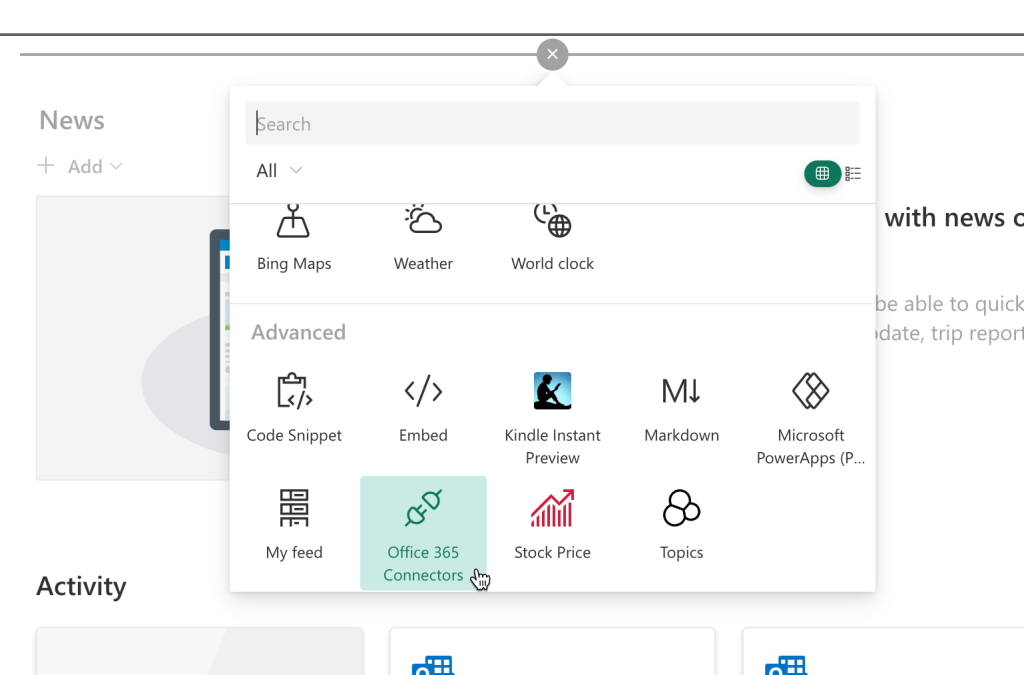
Without much fanfare, but to the dismay of power users, Microsoft announced they’re shuttering Connectors for Microsoft Teams. The feature was a close relative of SharePoint’s Connector web part, which, too, will be discontinued.

This feature was a circa-2016 precursor to Power Automate and allowed users to create a web part or Teams channel message based on new events in a handful of connectors that were available from Microsoft. The selection of connectors was sizable in Teams, but much smaller in the SharePoint Online version. Neither saw many updates or fixes throughout its life.

For example the RSS feed connector, though useful, is notorious for throwing errors during setup, and delivering a rather plain looking list that can’t even be customized by the admin.
Microsoft’s suggested replacement
Customers used Office 365 connectors within Teams as a way to push updates to different Team channels. With this function also available within Power Automate, Microsoft would like to see its users recreate the necessary workflows in Power Automate.

Perhaps your organization already has enough Power Automate licenses going around for relevant managers and IT folks, in which case this transition won’t be an extra charge. Apart from a lot of scepticism around how easy the migration truly will be, some users’ comments suggest that it may require them to make additional license purchases.
Try the cheaper alternative
Another way to replicate at least some of the connectors is by using the App integrations web part for SharePoint and Viva. This can also be used in conversations in Teams via a companion Teams message extension.
This web part gives you a range of connectors from our App Directory that will generate lists from your live data. These lists are based on the Adaptive Card standard, so it’s easy to customize how they look.

You can retrieve these Cards with the built-in chatbot for the companion Teams app, which works in group chats or direct 1:1 conversations with the chatbot.

The much used RSS feed for instance looks a lot more modern using big images, and even offering a low-code Designer tool that lets you adjust the layout with ease.
This is much more customization than the Power Automate designer allows you to do (which lets you customize just the text) or what the old Connector web part offered (which was nothing).

Other applications that were popular with the old Connectors web parts are also supported in the App integrations web part:
Have you tried the replacement for the Connectors within Teams and SharePoint feature? Try it out now and let us know in the comments


