


In today’s digital workplace, many businesses rely on Line-of-Business (LOB) applications or B2B SaaS platforms like Workday, Zendesk, and ServiceNow for their operations. While these tools are essential, their per-user licensing costs can become a significant burden, especially as teams grow. However, by integrating these tools with automation platforms like Zapier or Power Automate, companies can extend the visibility and functionality of their software without needing to buy a license for every individual user.
For instance, a popular use case for Zapier is to automate customer support tickets between Zendesk and Slack, enabling the whole team to monitor ticket statuses in Slack without needing full Zendesk licenses for everyone. This can cut down on licensing costs significantly while maintaining operational visibility for all team members. While you will still need a Zendesk license if you want to do anything beyond “monitoring”; for many this one-directional, read-only feed is enough.
In this post, we’ll explore five specific tools (though alternatives exist) which you can consider to maximize the visibility of your data while minimizing the need for costly licenses.
Power Automate

Automating repetitive processes saves time and reduces reliance on third-party tools. Forrester has shown that businesses can save around 10% of manual task time, especially when automating workflows across large teams
Popular Use Cases:
- Automating tasks like data transfers between Microsoft Forms and SharePoint
- Integrating Outlook, Teams, and OneDrive with third-party platforms like Salesforce or Mailchimp
- Triggering approval workflows or sending notifications automatically within Microsoft’s ecosystem
How to get started: Power Automate, part of the Microsoft Power Platform, is a cloud-based solution that automates workflows between apps and services. To get started, you’ll need a Microsoft 365 subscription. You can create “Flows” using its intuitive interface and pre-built templates, making automation accessible even without coding skills.
Savings Example: Josh Bersin talks about a manufacturing company reduced manual approvals, saving 20,000 hours annually by automating approval workflows across Microsoft 365 tools
Zapier

By automating manual tasks with Zapier, businesses can save significant time and resources across thousands of apps, like CRMs, project management tools, and customer support platforms. Two thirds of users find this boosts their productivity. Another upside is that it can reduce the need for full software licenses, as fewer users need direct access to every tool.
Popular Use Cases:
- Syncing data between Google Sheets and Slack to notify team members of updates
- Integrating project management tools like Trello with email or team chat apps
- Automating CRM workflows, such as adding leads from Facebook Ads to HubSpot
Getting Started: Zapier connects over 5,000 apps, allowing you to automate workflows without needing to code. You can sign up for a free tier to experiment with 100 tasks per month, ideal for small businesses or individual teams.
Savings Example: OpenPhone saved valuable resources and scaled client communication with Zapier, allowing them to automate customer workflows without hiring additional staff
Databox dashboards

Databox enables companies to reduce the need for full licenses for multiple users. Instead of giving everyone individual access to each software tool (like Salesforce or HubSpot), teams can view the essential data via dashboards. This consolidation can reduce the number of paid licenses needed for full access to multiple data platforms.
Popular Use Cases:
- Centralizing business data from tools like Google Analytics, HubSpot, Salesforce, and Facebook Ads into one dashboard
- Providing real-time reports without needing individual access to each underlying tool
- Sharing dashboards with teams to keep everyone informed without granting direct access to every tool
Getting Started: Databox allows businesses to create centralized, real-time dashboards that pull data from multiple sources (Google Analytics, HubSpot, Salesforce, etc.). It’s free to get started, and you can scale up based on your data needs.
Savings Example: Companies that switch to Databox have reported reduced licensing costs for BI tools because they no longer need full user seats for viewing data. Databox provides access to critical insights without requiring direct logins to each connected platform.

By integrating key app functionalities directly into SharePoint, companies can reduce the number of full user licenses needed for tools like Asana or HubSpot. Users that merely want to monitor some of the data, can access it via SharePoint web parts without logging into each platform separately.
Popular Use Cases:
- Embedding real-time data from B2B apps like Slack, Zendesk, HubSpot, and many others directly into SharePoint for easy access
- Centralizing updates from tools like Microsoft Planner or Jira in one SharePoint dashboard for project tracking
- Create Adaptive Cards for Viva Connections dashboard using 3rd party data from existing APIs
Getting Started: The App Integrations Web Part allows SharePoint users to integrate various third-party applications directly into their SharePoint environment. This enables teams to access data from external apps without needing separate licenses for each tool.
Savings Example: A Fortune 100 company saved over $60m in lowered attrition rates by introducing a centralized dashboard for all their 3rd party business data, like PTO balances, which increased employee retention, leveraging existing APIs while reducing the need for maintaining separate user accounts.
Amazon WorkSpaces (Virtualized desktops)
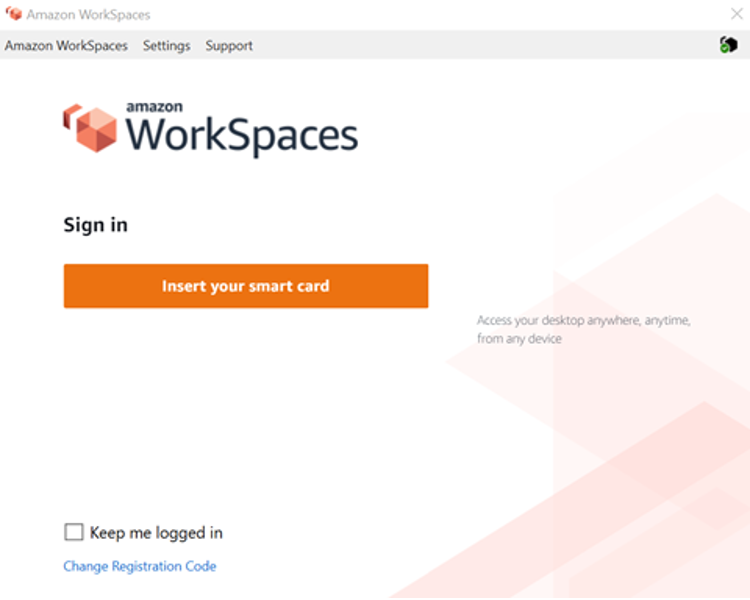
Instead of installing and licensing software on every employee’s machine, WorkSpaces allows software to be installed in the virtual environment. This enables the organization to license per concurrent user rather than per individual user, reducing overall license costs. It’s easy to scale up or down, allowing you to accommodate temporary staff or contractors without needing to purchase licenses for every single user.
Popular Use Cases:
- Offering remote access to expensive software like AutoCAD, Photoshop, or Microsoft Office
- Centralizing enterprise applications such as CRM and ERP systems
- Allowing temporary workers or contractors to access specific software without provisioning new licenses
Getting Started: Amazon WorkSpaces is a cloud-based virtual desktop service that lets employees access a complete desktop experience from anywhere. You can set up virtual desktops, centralize software management, and reduce the need for individual licenses on each physical machine.
Savings Example: Siemens Healthineers used Amazon WorkSpaces to host their radiology imaging software in the cloud. By centralizing access across radiology centers, they reduced hardware and licensing costs by up to 50%. The virtual desktops allowed radiologists to securely access imaging software remotely, reducing the need for expensive on-premise infrastructure while maintaining high levels of data security and compliance.
As businesses continue to scale, the rising cost of software licensing can become a significant operational burden. However, by leveraging automation platforms like Power Automate and Zapier, virtual desktops such as Amazon WorkSpaces, and integration solutions like the App Integrations Web Part for SharePoint, companies can optimize their license use while maintaining—or even improving—productivity.
These solutions not only save on licensing costs but also streamline workflows, enhance operational efficiency, and improve collaboration across teams. Whether you’re looking to reduce redundant licenses, centralize data access, or scale remote work capabilities, these tools provide practical, scalable options for growing organizations.


