Make it your own with new customization options

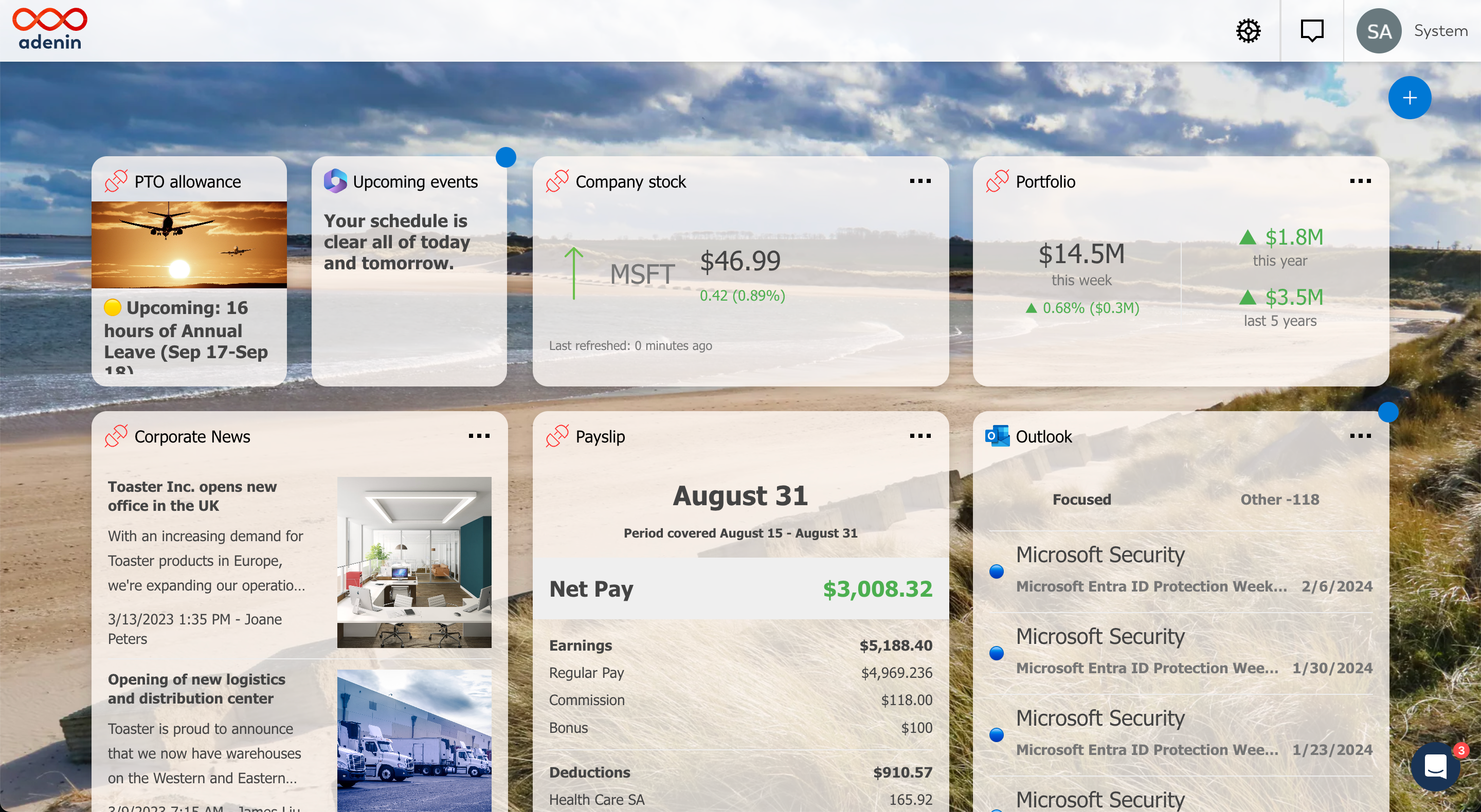
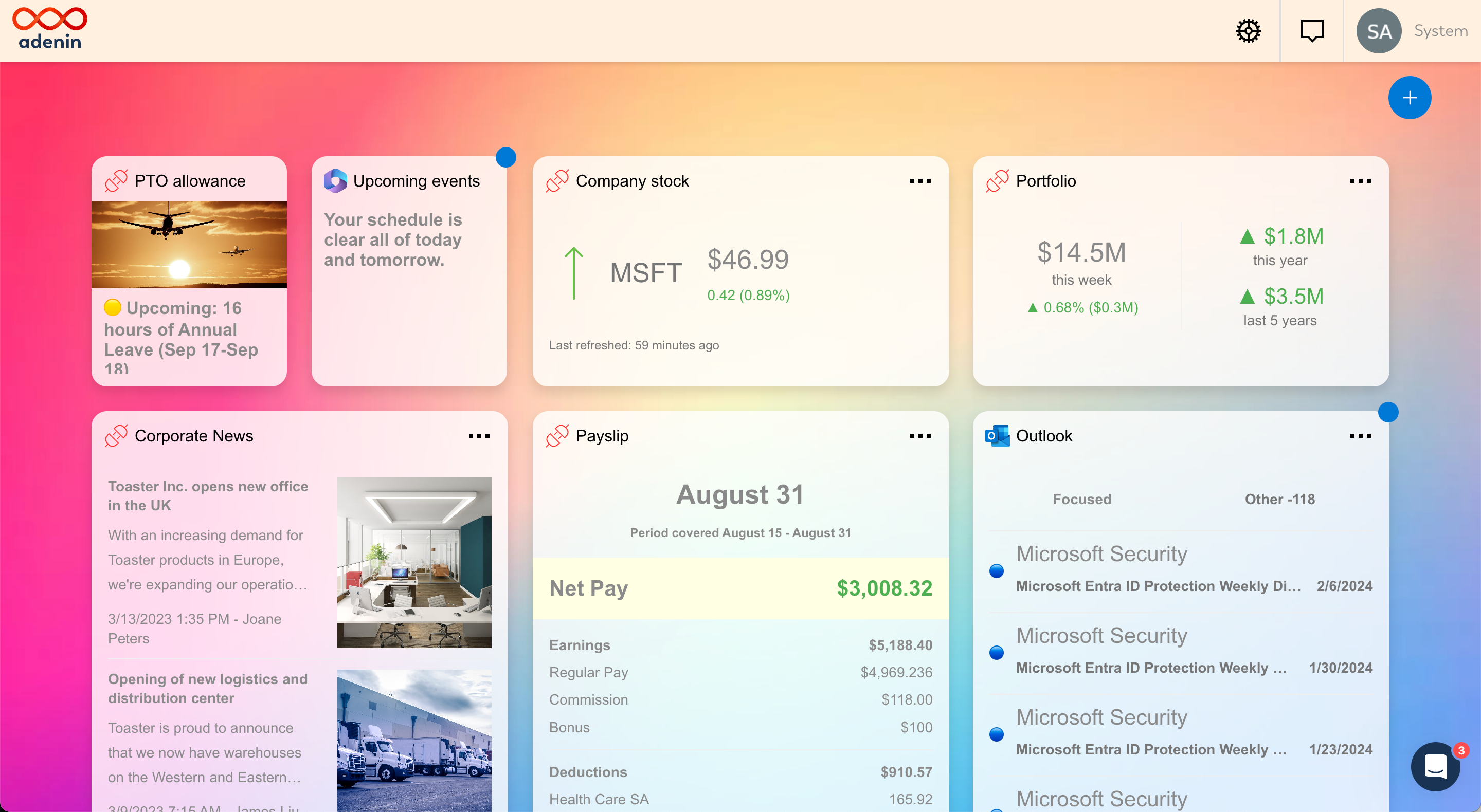
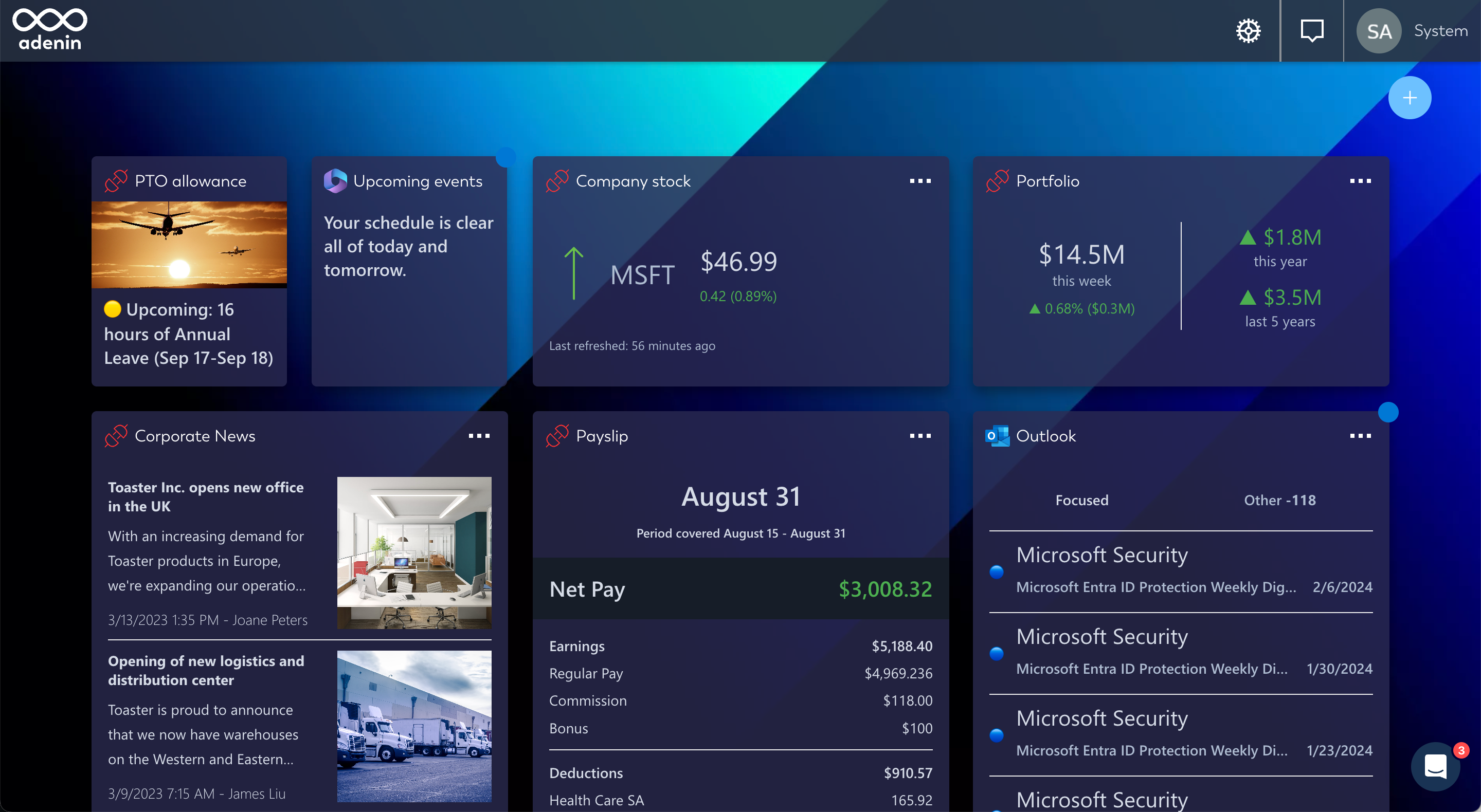
We’re excited to tell you about the new theme customization options for your personal dashboard. Choose from our dashing backgrounds, glass-like Card appearance, as well as custom color and font options. We’ve also improved dark mode which now offers you more adjustments that you can easily preview in the Theme Designer.
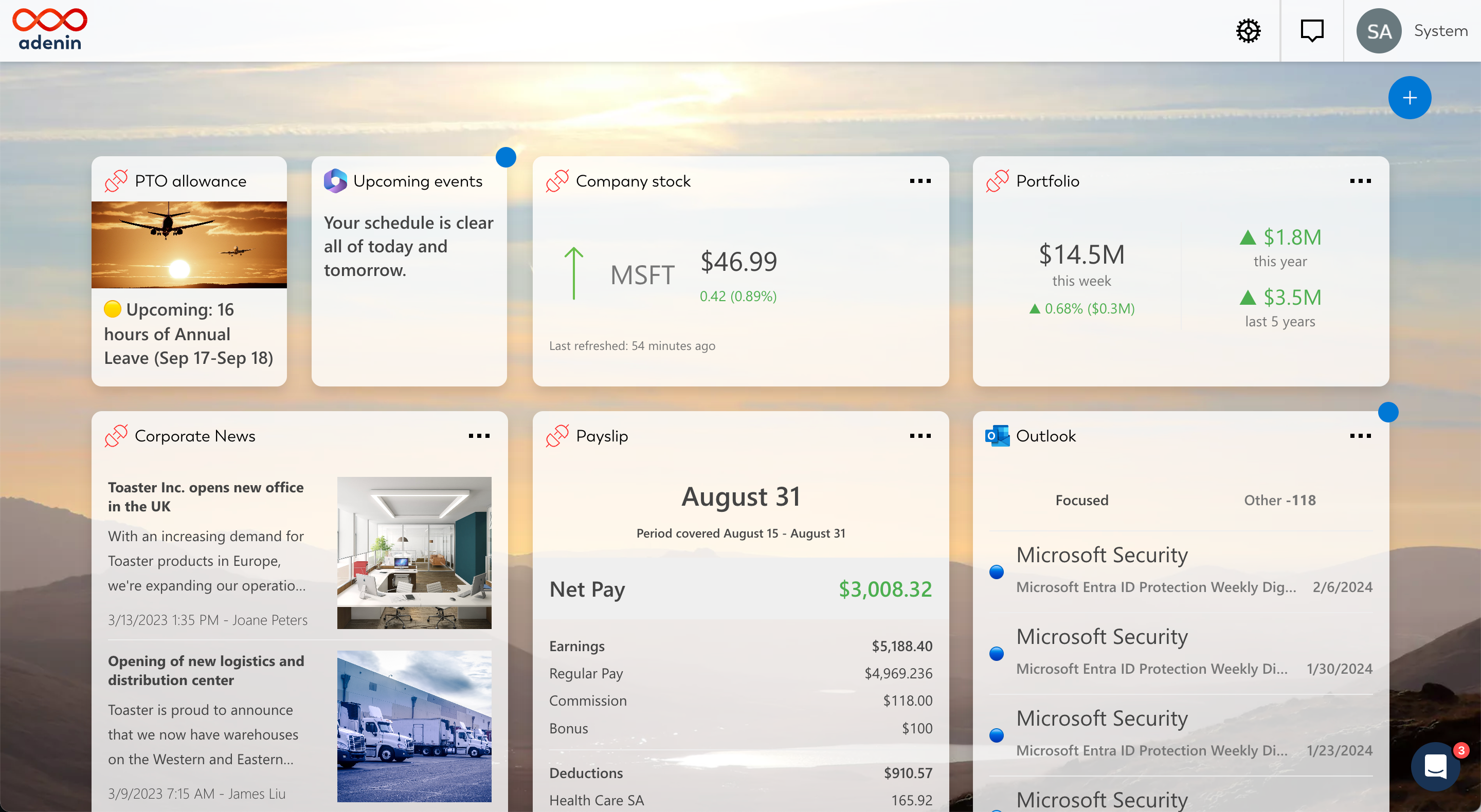
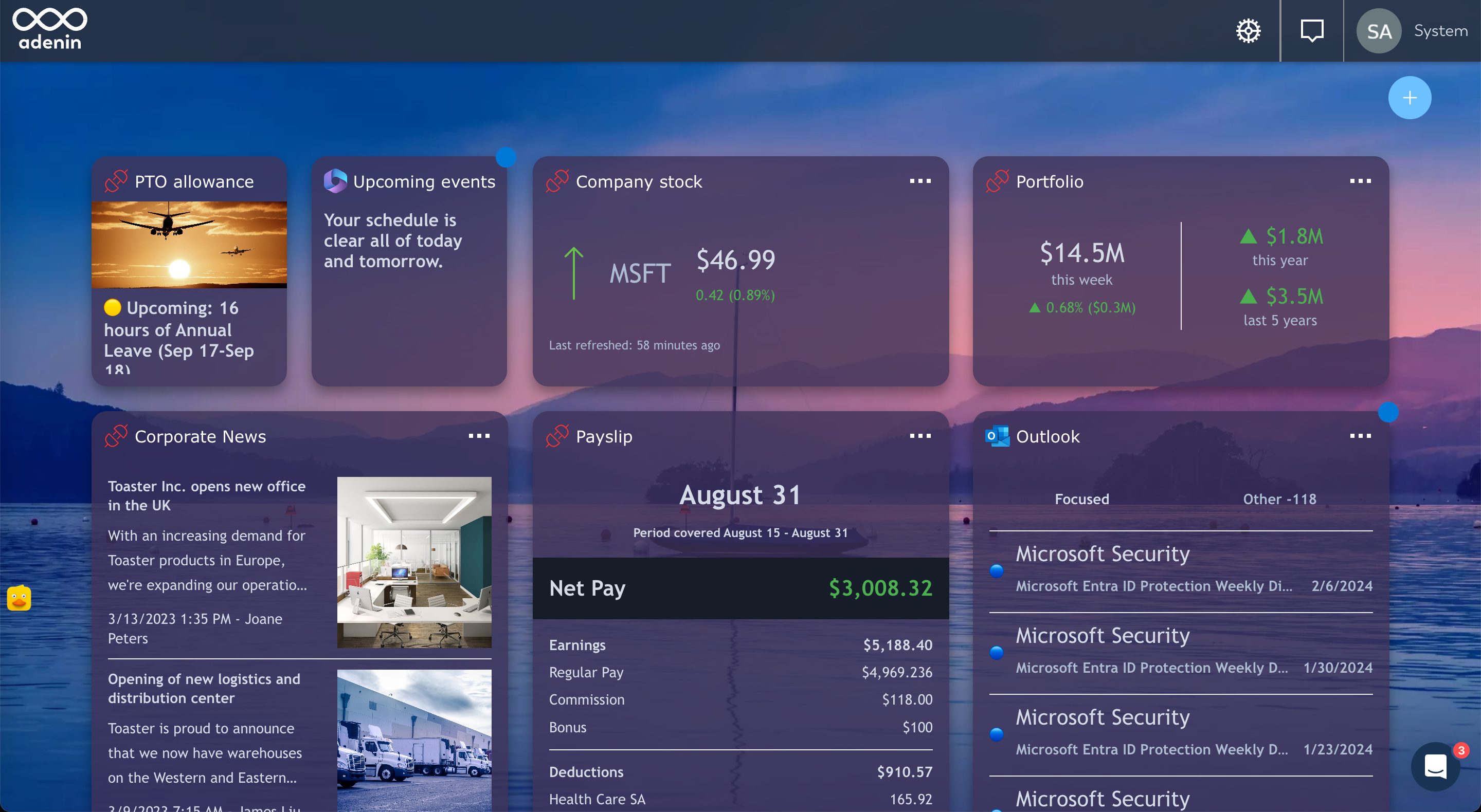
To enable a new background image go to the Background menu and either select an image or enter a custom image URL. The border radius and glass-like opacity setting for Cards is in the Cards menu.

To check what your theme looks like in either dark or light mode click the ☀️/🌙 button in the left-hand side menu.

The improved Theme Designer with more options including backgrounds

Now there’s no excuse not to put your own stamp on adenin’s Out-of-the-box dashboard. Add some colour and start customizing your experience right now by clicking on ⚙️ SettingsCustomize Theme.

Leave a Reply

Your email address will not be published. Required fields are marked *

Related Posts
Read More

December ’22 updates: Adding new SharePoint and Zapier integrations

With the year drawing to a close, we’re signing off for the festive season with a special update for SharePoint users. SharePoint drives upwards of 60% of all Intranets, and Viva’s introduction has (finally) put intranets back on the map for many organizations. So we listened to feedback, and worked hard to make building your own Cards for SharePoint easier than ever before. Introducing Card maker for SharePoint & Viva Connections Users love to build their own dashboard out of apps from our App Directory. But we frequently get asked: can I install these Cards in SharePoint? Does your Board…
Read More

Google Programmable Search Engine adds Adaptive Cards

We’ve recently been busy with an update to our SharePoint search add-in that now supports the popular PnP Modern Search package. But we were “in search” for more… 😉 That’s why we now offer a new channel that adds Adaptive Card results to Google Programmable Search engine (formerly Google Custom Search). This plugin allows is just a couple lines of code that create a secure connection with your adenin.com account and send any search inputs off to adenin’s Digital assistant endpoint. This will use existing training data to match the user’s search query to the bank of available Adaptive Cards.…
Read More

Revolutionize Your Cloud Experience with Hetzner Integration

Exciting news for all cloud enthusiasts and professionals! We are thrilled to announce the integration of Hetzner into our platform, bringing you a seamless cloud experience like never before. Hetzner, known for its reliable and high-performance cloud servers, is now at your fingertips, offering an unmatched blend of power, flexibility, and cost-effectiveness. Whether you’re scaling your business, hosting applications, or managing data, Hetzner integration makes it effortless. With this new addition, you can easily manage your Hetzner cloud resources directly from our platform, streamlining your workflows and boosting productivity. From deploying virtual machines to managing storage and networks, everything you…
Read More

Stay Informed with New York Times Integration!

We’re excited to introduce our latest integration with the New York Times, bringing world-class journalism directly to your dashboard. With this new feature, you’ll have access to the latest news, insightful analysis, and in-depth reporting, all in one place. Stay updated on global events, business, technology, culture, and more without ever leaving your workflow. Discover how the New York Times integration can keep you informed and enhance your productivity by visiting our App Directory.