


The just launched GPT store there are endless possibilities to leverage the best LLM on the market to help you become more productive at work. Unlocking new heights of efficiency can be a great asset to manage your team, grow your business and streamline your processes. So to help you get there, we’ve tried out dozens of GPTs to find the ones that will help you become more productive at work. Here are our top picks:

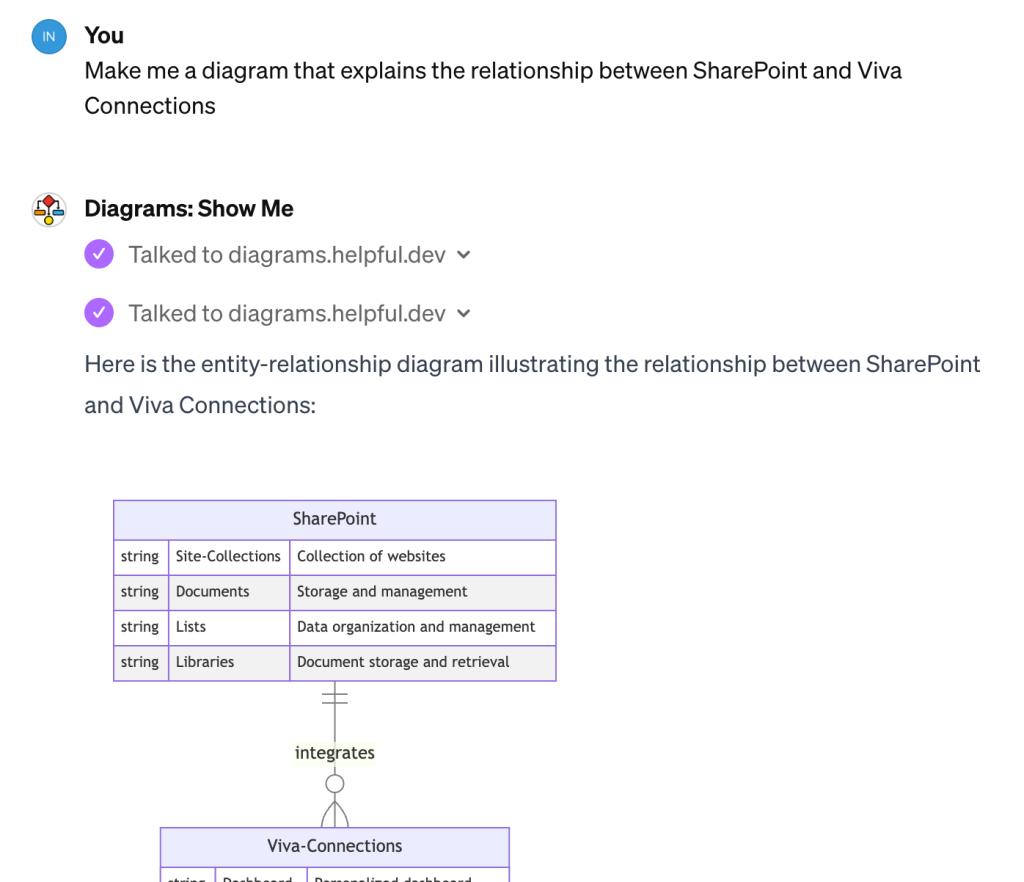
This is easily one of the best showcases of how to combine the strength of a LLM with the magic of ‘a picture says more than 1000 words’. You can ask this service to pretty much make a diagram or mind map out of anything. Learn how concepts fit together, get inspiration for a slideshow or check your knowledge of a topic. This is no doubt a tool that can help you spend less time researching, and helps you get to the bottom of any topics instantly.

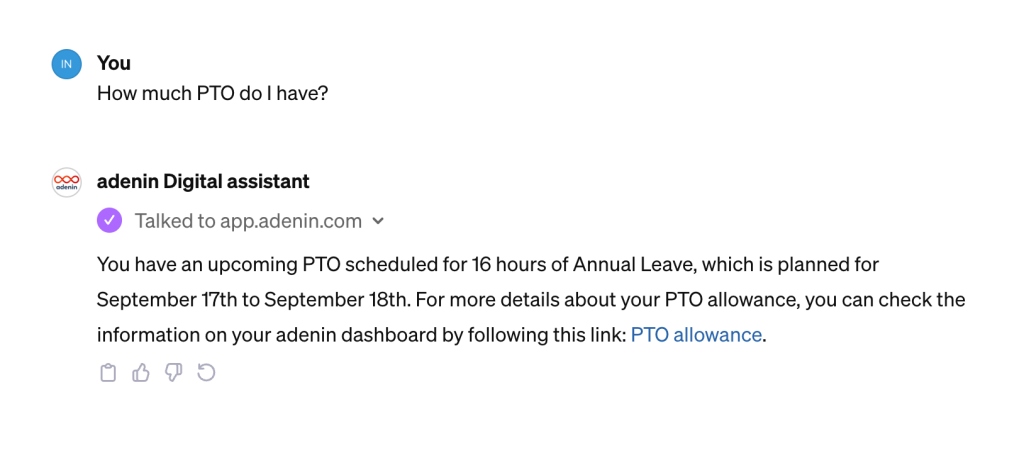
This tool lets you connect dozens of work apps (like Salesforce, Github, Jira, Stackoverflow, etc.) to a central dashboard. Once connected, you can simply ask this GPT to pull up a list of your tasks, open tickets, upcoming meetings, etc.
Be more productive at work and don’t waste time tab hopping between all your apps anymore. Simply let this GPT brief you as if it was a real human checking your applications. It does require a free adenin account (+ 10 mins of connecting to some apps) to get started.

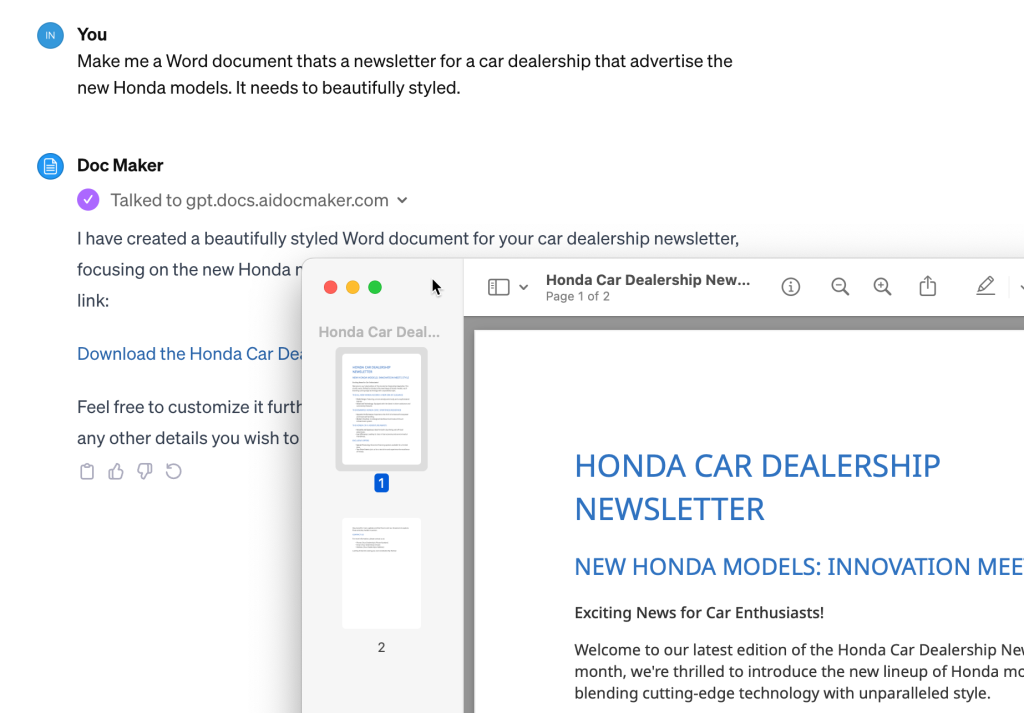
This is a very clever way to create quick Word, Powerpoint or Excel files that completely fit your description and your needs. Whether it’s a presentation for your team, a newsletter for customers or a spreadsheet for your accountant – this service is the quickest way to get your work on the way.

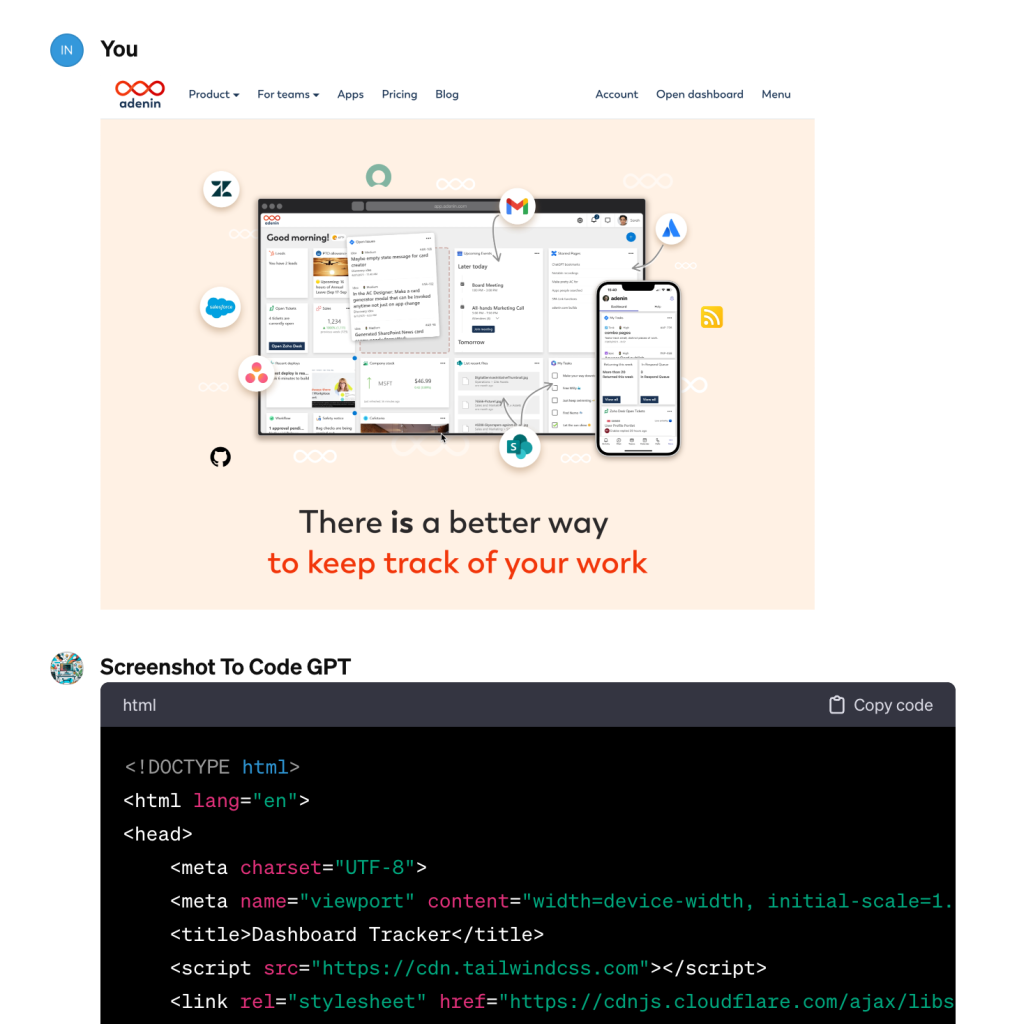
This GPT will basically take a mock-up you made in Figma, Canva or similar wireframing tools and turn it into a website just like magic. You could even just take a screenshot of a website you like the look of, and it will turn it into a working prototype for you. Once you get the code, you can just paste it into a .htm file or use a service like CodePen to preview your creation. Perfect for novice web designers or busy managers that just want to quickly breathe life into a mockup.

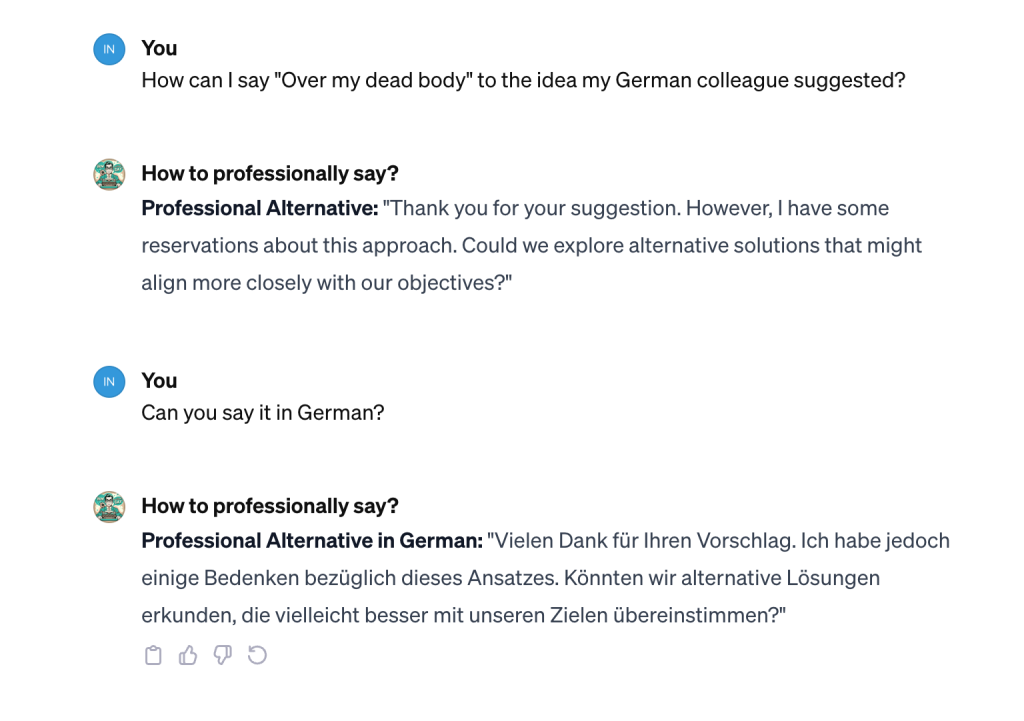
Depending on how mature you are, this GPT could either be a lot of fun, or genuinely help you with adopting a more professional tone in written communications. For example, you could be new to an industry or you could be communicating in a language that’s different to your native language. This tool is a great way to edit your writing, and become more professional at work.

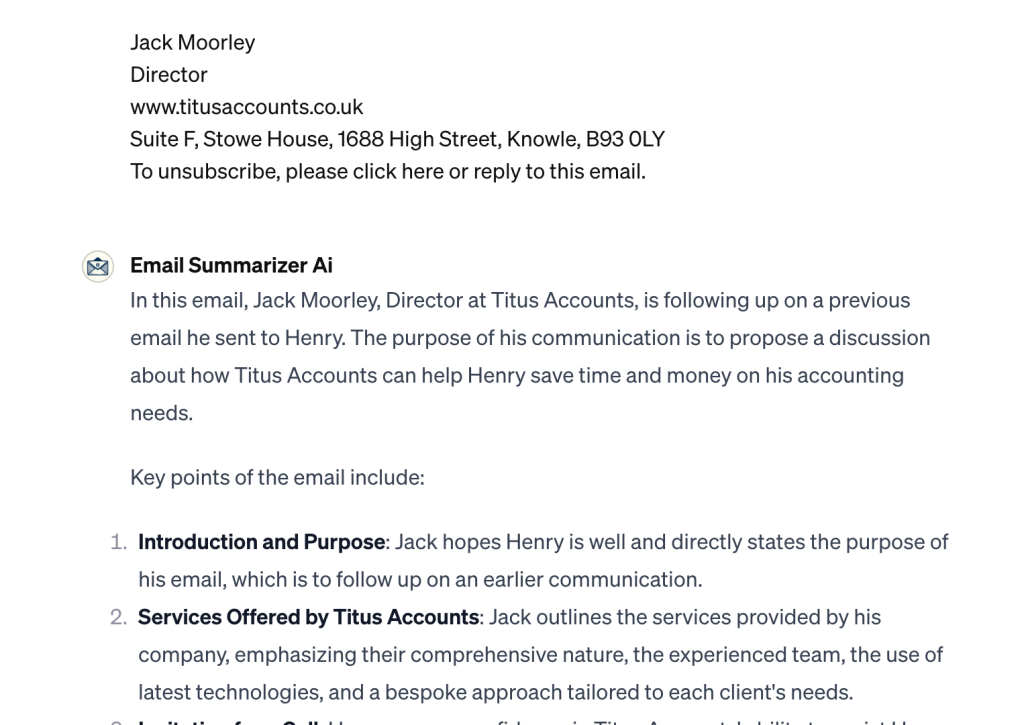
This custom GPT is perfect for all those whose inbox overflows after an extended weekend or after a holiday. Simply copy-and-paste a long email thread into this GPT and it will summarize everything that happened in a cinch. Don’t let your inbox hamper your workplace productivity; simply let the AI do the reading for you and then you can decide easily if you need to respond.

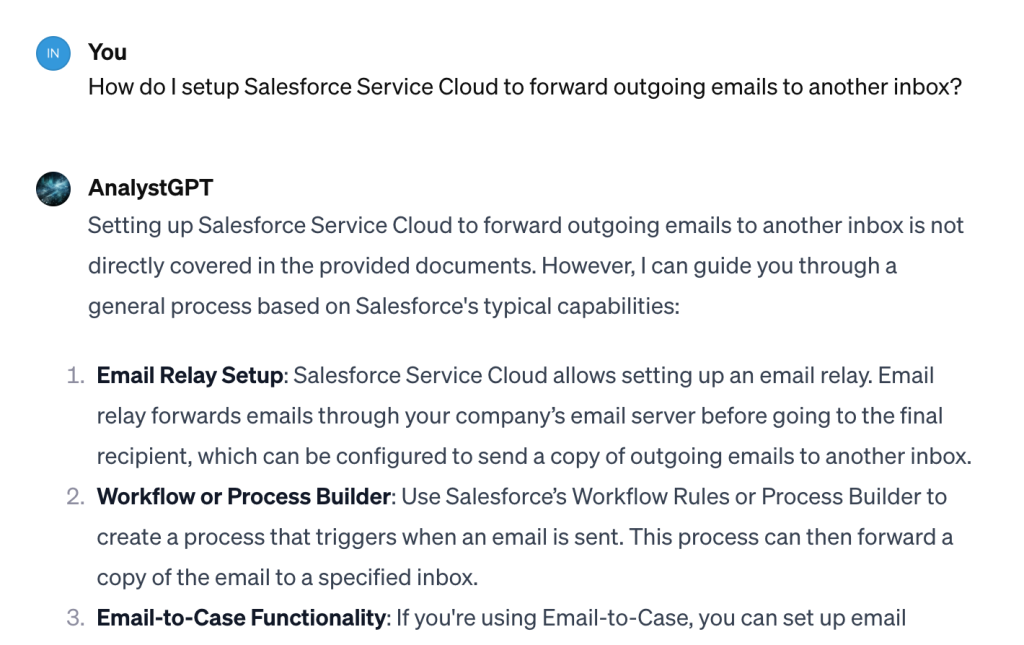
Replace long-winded Google searches by simply asking this GPT anything related to key workplace application suites, such as Salesforce, PowerBI or Tableau. Maximize your workplace efficiency by simply letting this GPT help you out, instead of setting up meetings with other resources at work or wasting precious time sifting through piles of user forum questions that never seem to truly answer your problem.
What are your favorite GPTs to hack your workday and maximise your efficiency? Let us know in the comments below.


