


As Workplace by Meta prepares to shut down, Meta has nominated Workvivo as the recommended migration destination for customers. However, there’s another powerful alternative that organizations should absolutely consider: a combination of Microsoft Teams, Viva Engage, and Viva Connections.
This Microsoft suite offers robust features and seamless integration that can significantly enhance your organization’s communication and collaboration. In this blog post, we’ll explore why Microsoft Teams, Viva Engage, and Viva Connections might be the perfect fit for your needs.
The power of MS Teams
Microsoft Teams serves as a comprehensive hub for team communication and collaboration. It brings together chat, video conferencing, and file sharing in one unified platform. Teams channels, equivalent to Workplace Groups, allow you to organize communication by teams, projects, or departments, ensuring that discussions remain focused and relevant.
Teams Chat and Meetings offer robust real-time communication, video conferencing, and screen sharing, replacing Workplace Chat and Video Calls with superior functionality. The deep integration with Microsoft 365 apps like Word, Excel, and PowerPoint enhances file sharing and real-time collaboration, making it easy for teams to work together on documents seamlessly.

One of the significant advantages of Microsoft Teams is its integration with the entire Microsoft 365 ecosystem. This means you have seamless access to other Office apps and services, creating a more streamlined and efficient workflow. Additionally, Teams supports numerous third-party apps and tools, allowing you to customize your workspace to meet your organization’s specific needs.
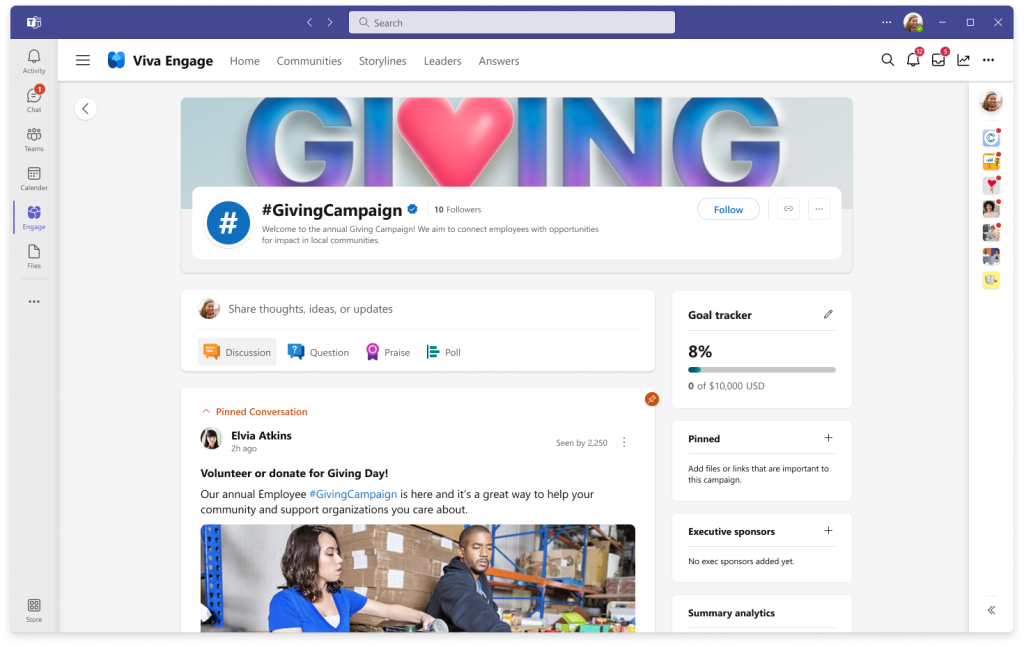
Microsoft Teams excels in communication and collaboration. Meanwhile, Viva Engage, which is further part of Teams, is designed to foster social engagement and community building within your organization. It brings the social networking aspects of Workplace by Meta into the Microsoft ecosystem, encouraging open communication and community spirit.
Viva Engage facilitates community discussions, allowing employees to create and join groups for various topics and interests, much like Workplace Groups. Features like sharing updates, posting polls, and engaging in discussions mirror Workplace’s social aspects, creating a vibrant and interactive environment.
Leveraging Yammer’s capabilities, Viva Engage provides a robust platform for enterprise social networking. This enhances employee engagement by building a sense of community and fostering open communication among employees. Integration with Teams ensures a seamless experience, making it easy to switch between collaborative work and social engagement. Moreover, Viva Engage facilitates recognition and celebration of employee achievements, boosting morale and engagement across the organization.
Viva Connections is the dashboard for front-line workers

Viva Connections acts as a centralized hub for company news, updates, and resources, replacing Workplace by Meta’s Knowledge Library. It allows organizations to create a personalized dashboard with important information and resources, ensuring that employees have easy access to what they need.
With integration through SharePoint, Viva Connections offers robust document management and sharing capabilities, making it a powerful tool for managing company-wide resources. The customizable dashboard can be tailored to fit your organization’s branding and specific needs, offering a one-stop-shop for employees to access essential information.
Best replacements for Workplace integrations
Many apps that were offered as a chatbot or “deep link” service in Workplace by Meta, are available as 3rd party apps for Viva Connections dashboard, such as:
| Former Workplace by Meta app | Best replacement for Viva Connections |
|---|---|
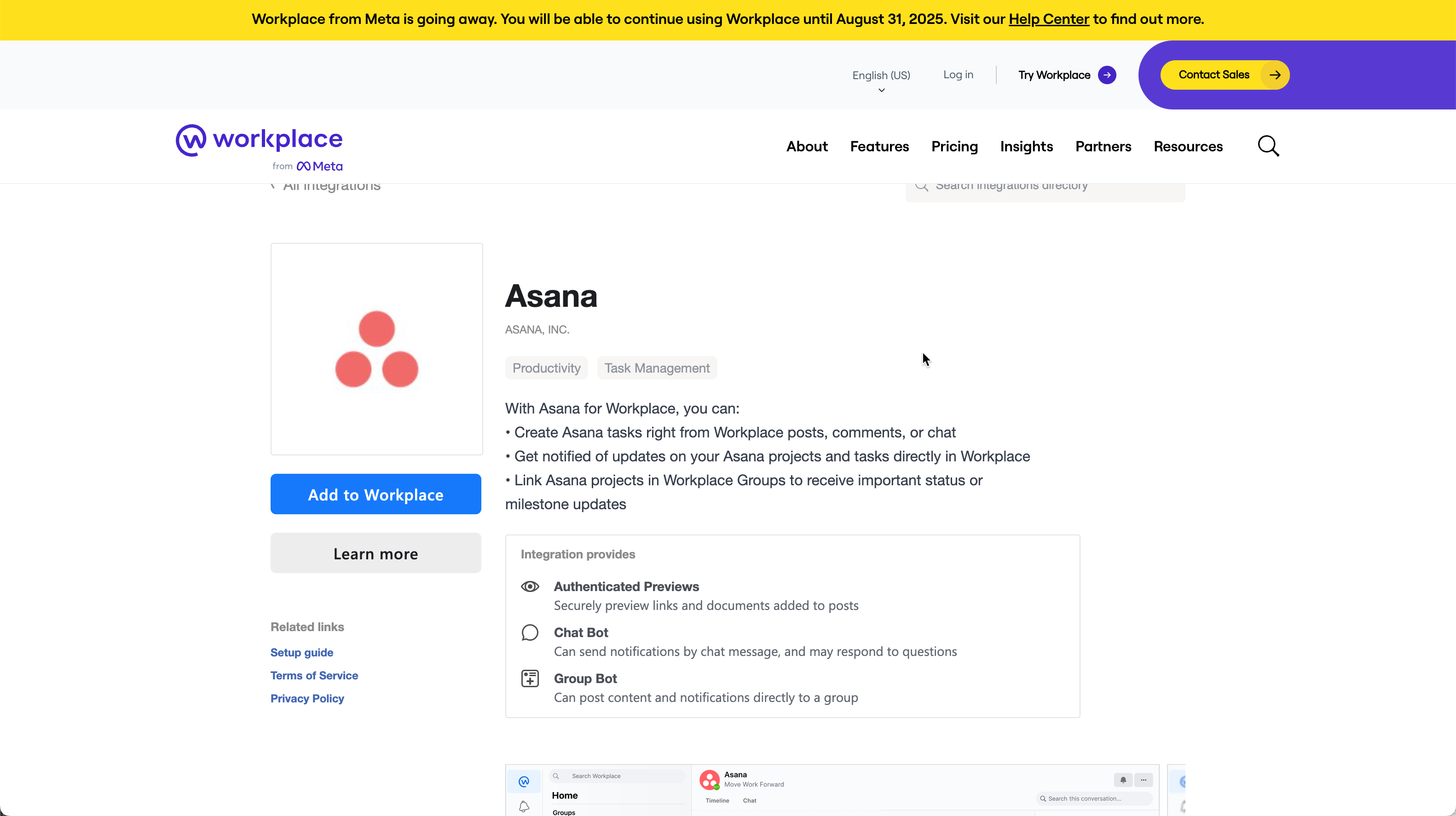 Asana chatbot | 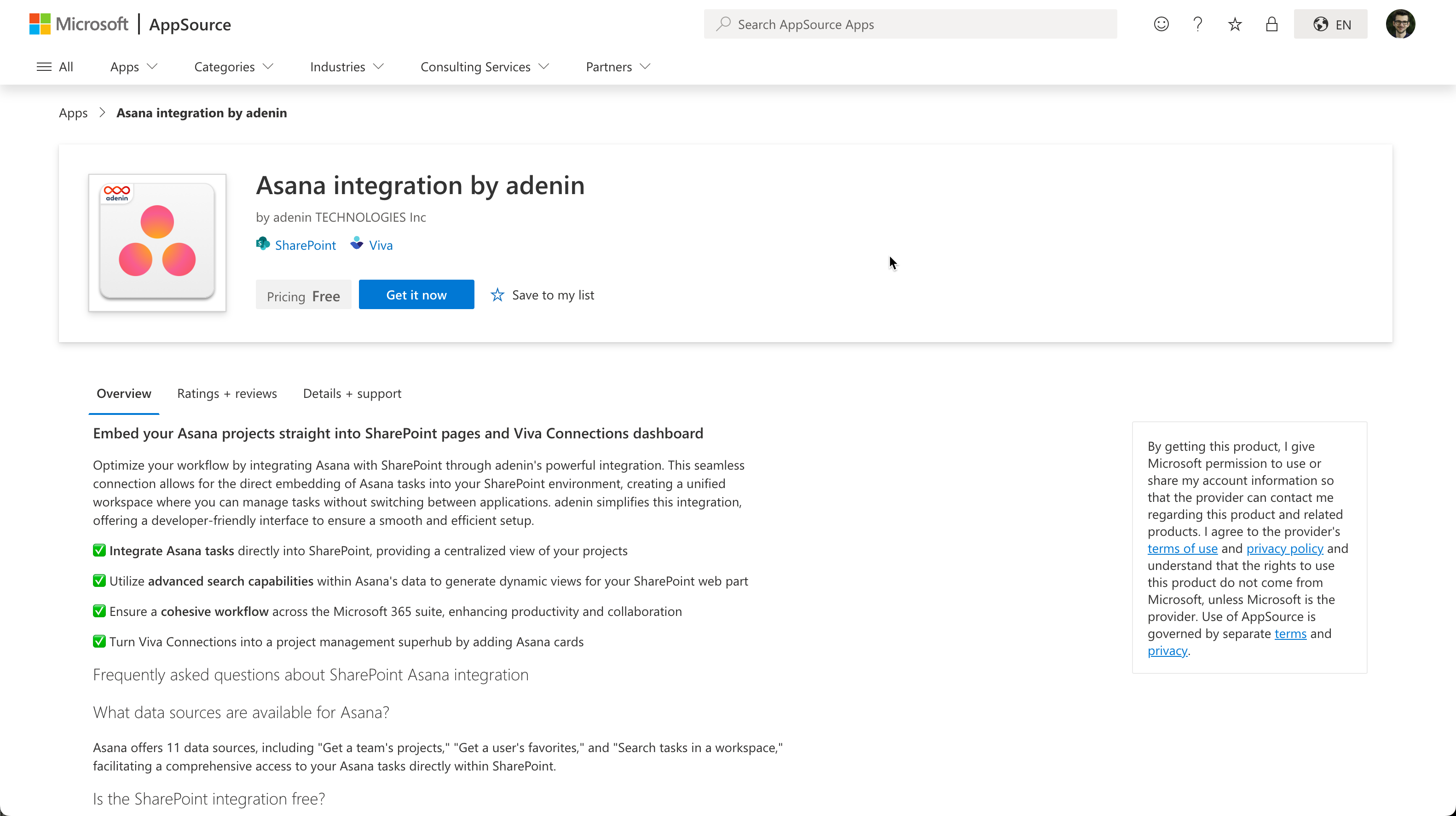 Asana integration (on App Source) |
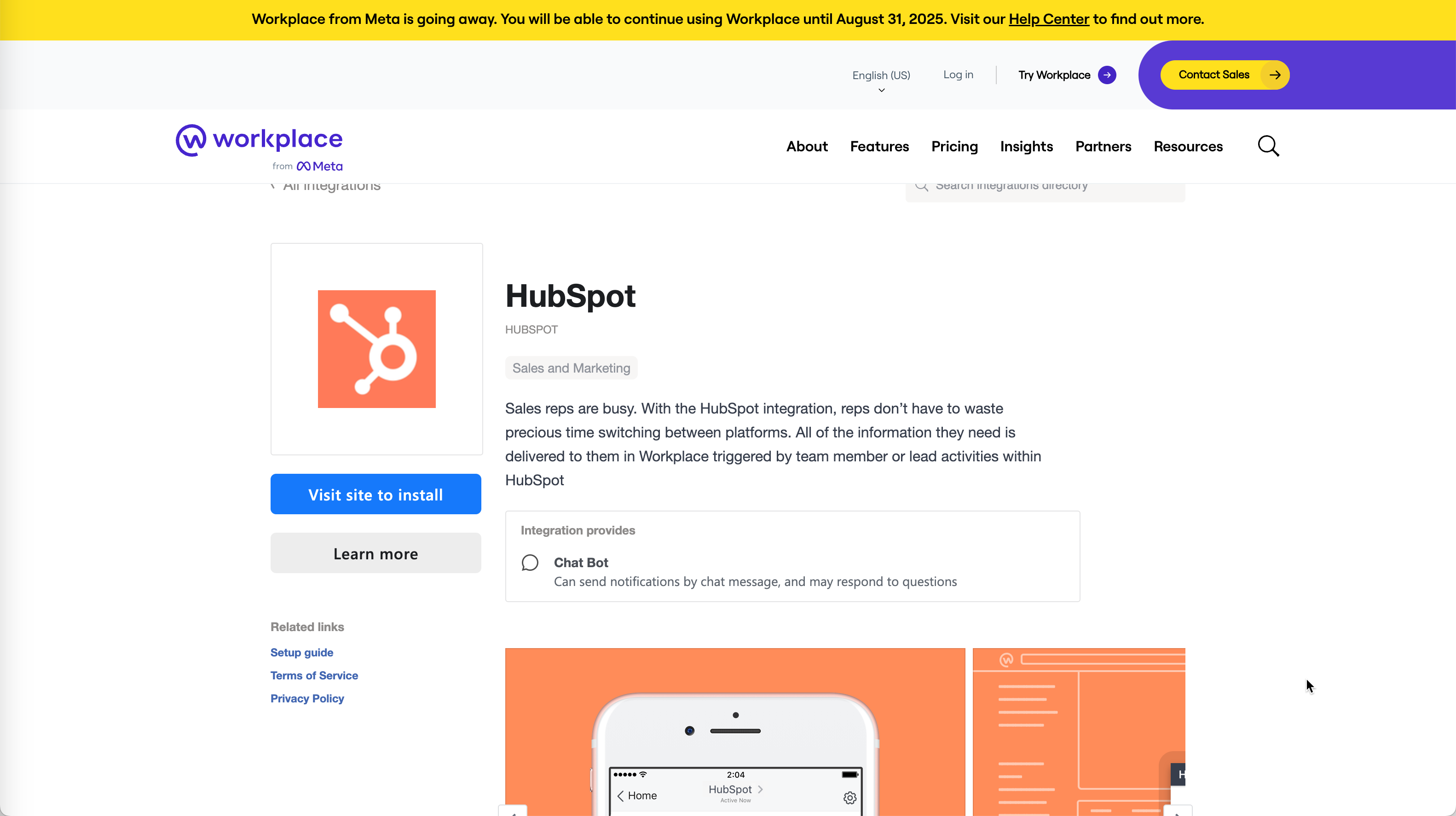 Hubspot chatbot | 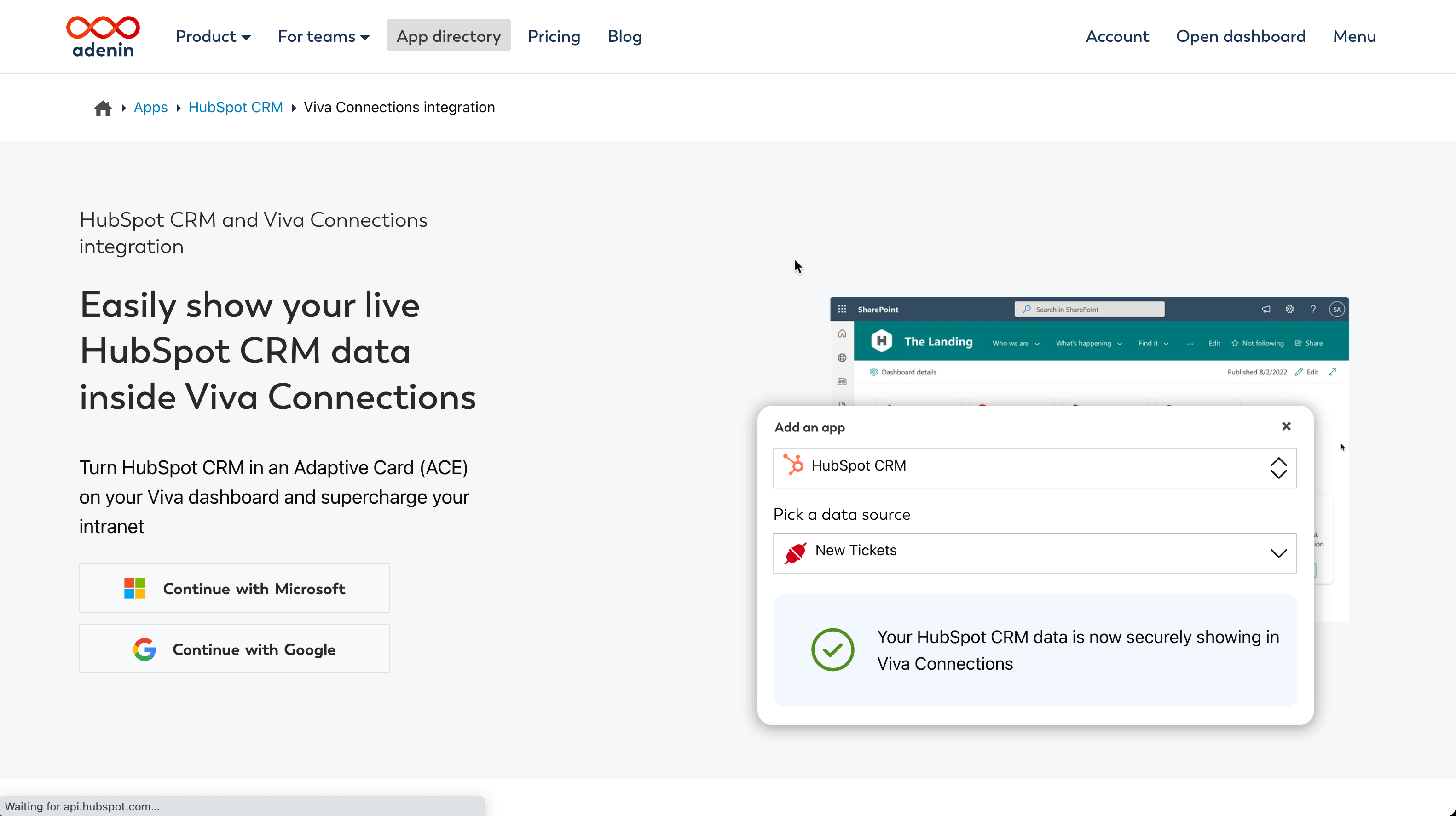 Hubspot app (on App Directory) |
 OneDrive Previews + Linked Folders | 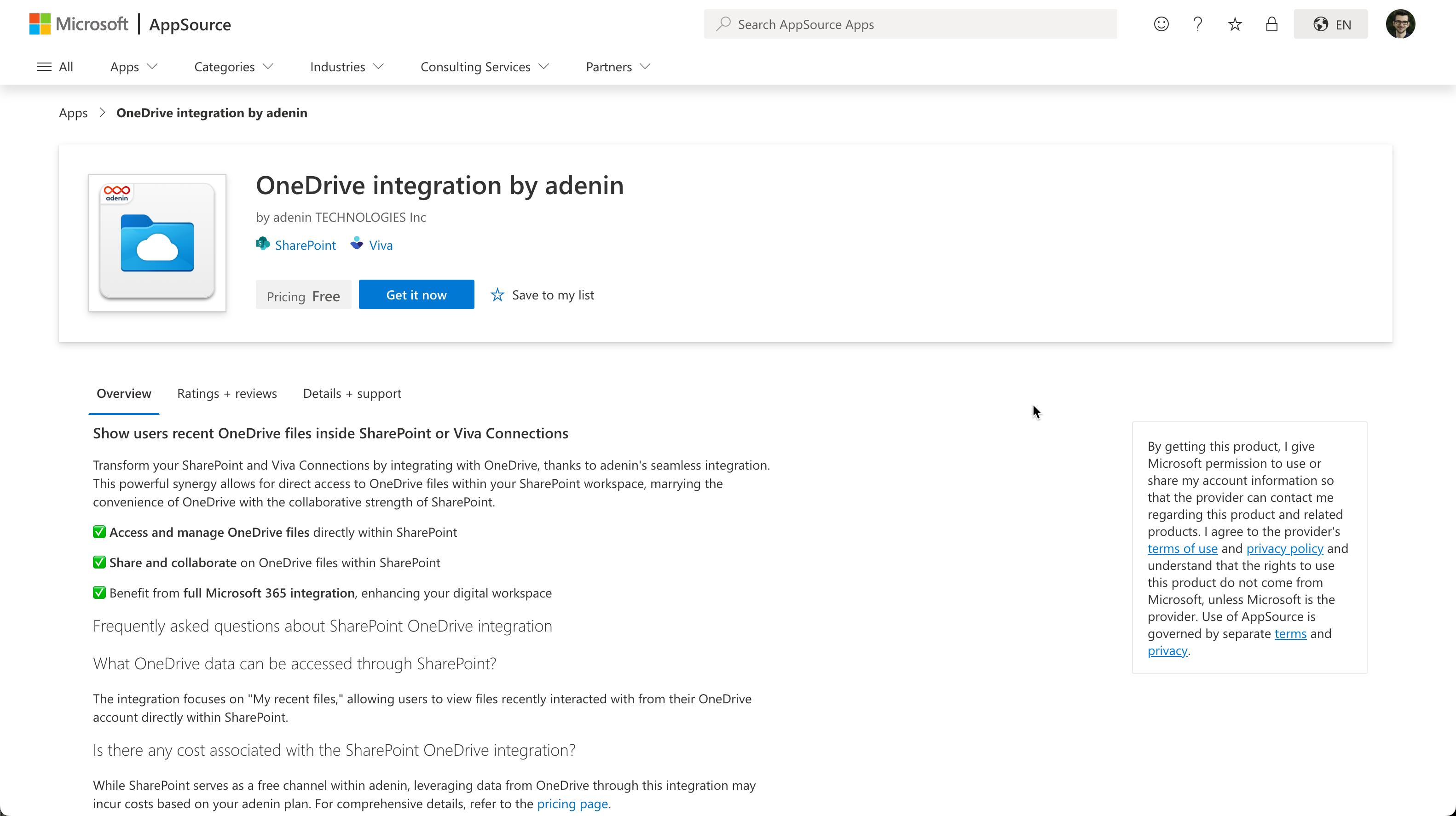 OneDrive app (on App Source) |
 Salesforce Previews | 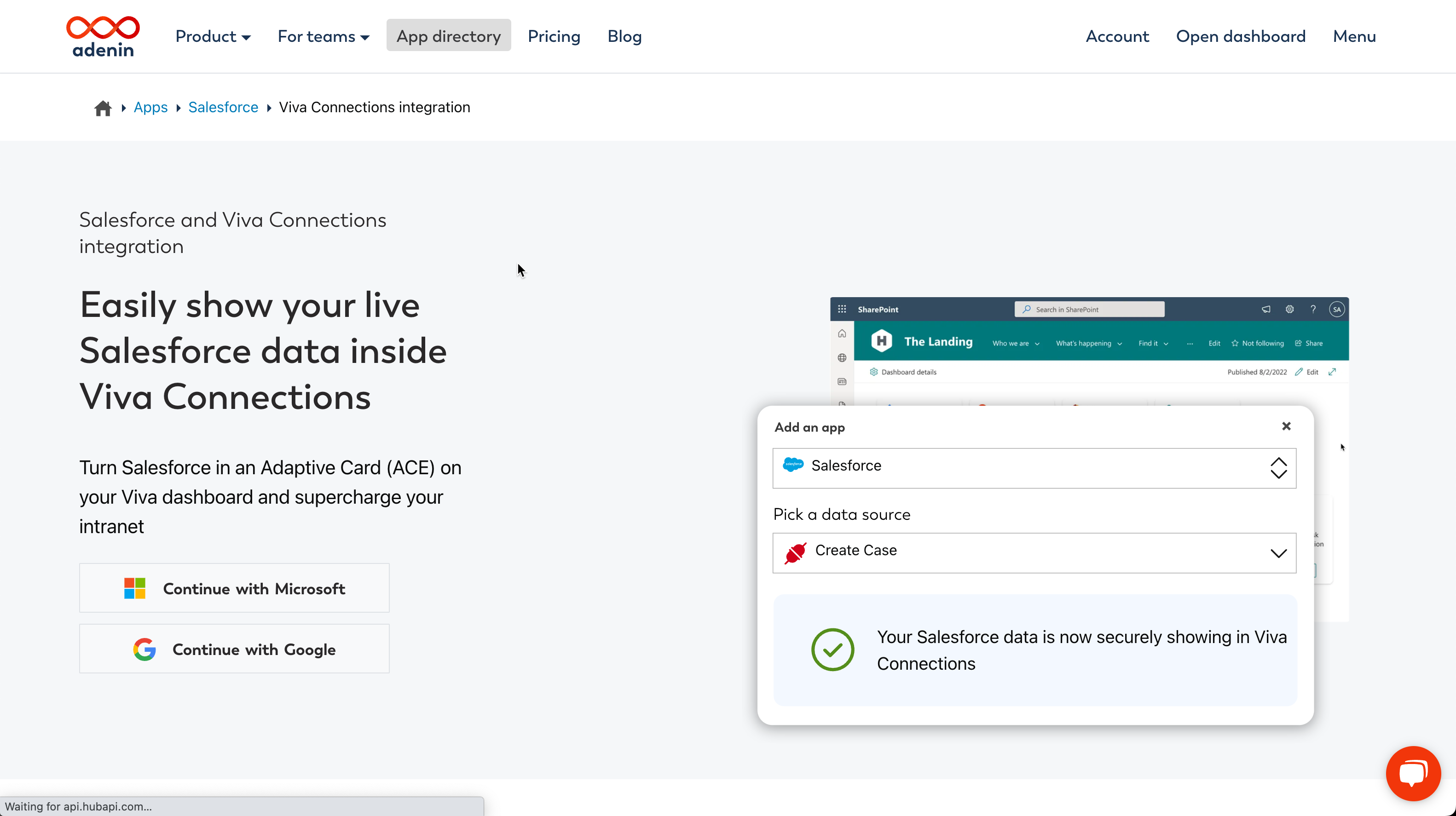 Salesforce Viva app (on App Directory) |
 Google Drive Meta app | 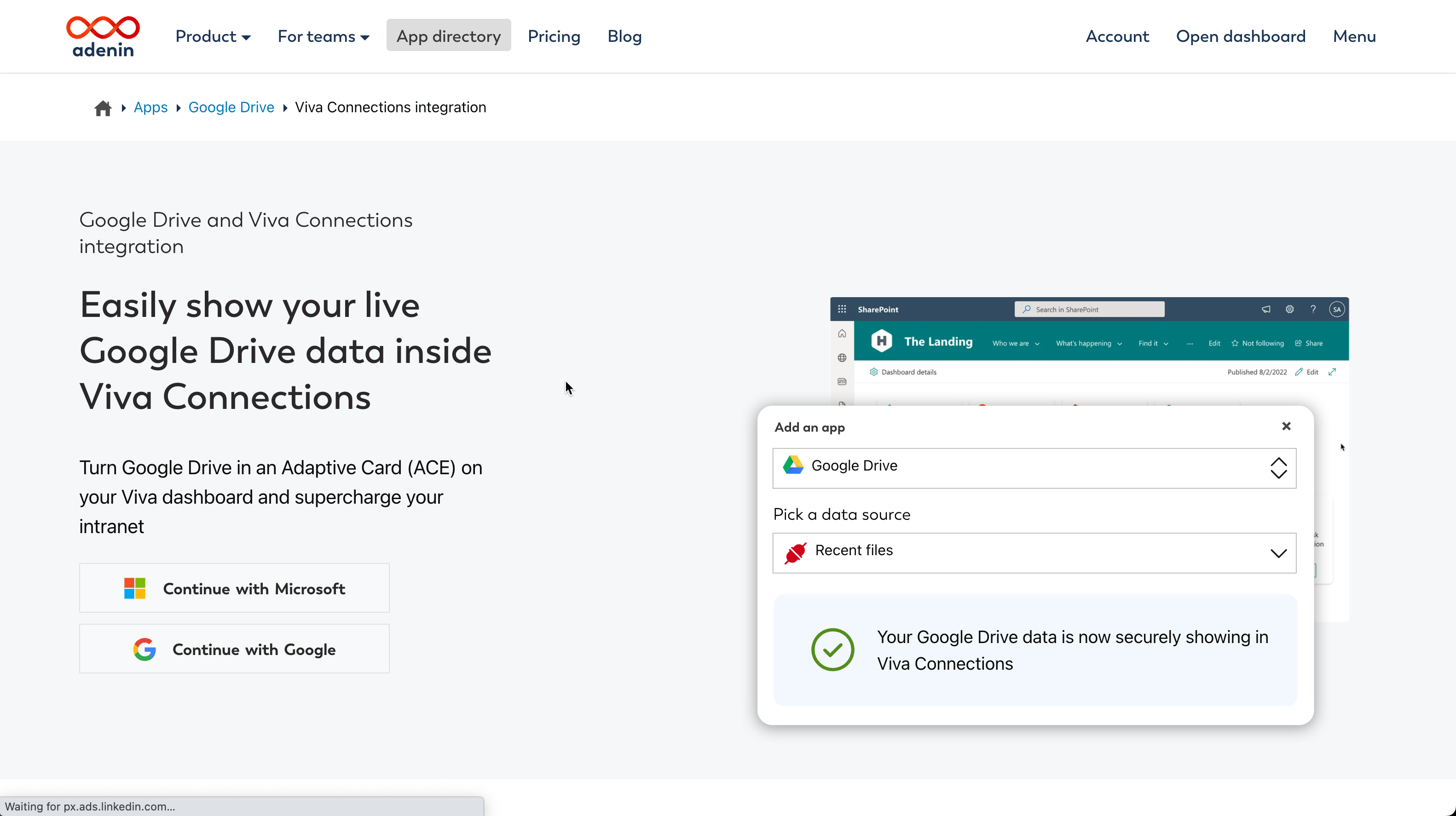 Google Drive app (on App Directory) |
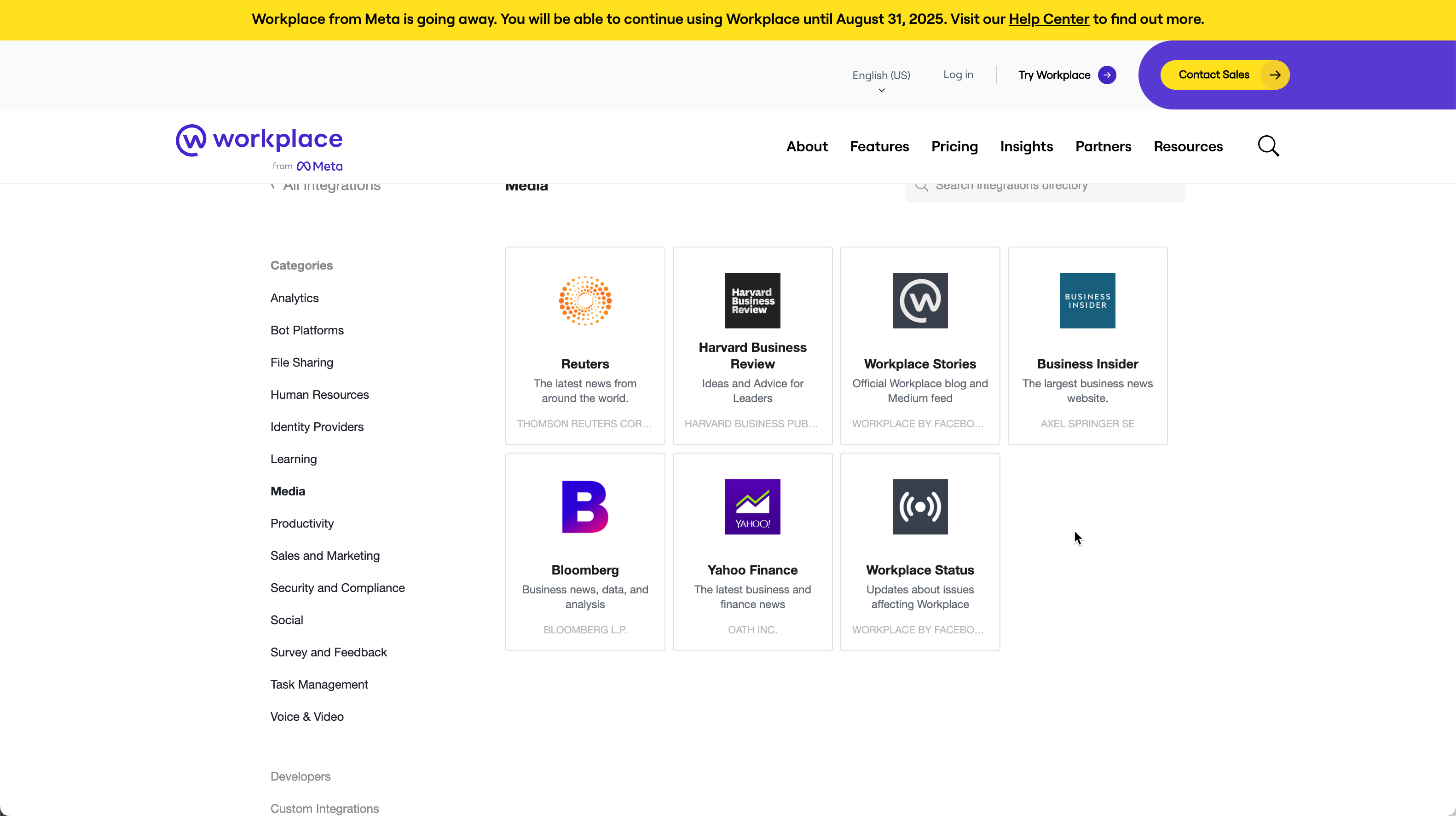 Selection of news apps on Workplace by Meta |  RSS Feeds for Viva Connections (on App Source) |
This enhanced communication platform provides a venue for company-wide announcements and updates, keeping everyone informed and engaged. By centralizing information, Viva Connections helps streamline internal communication and ensures that important updates are easily accessible to all employees.
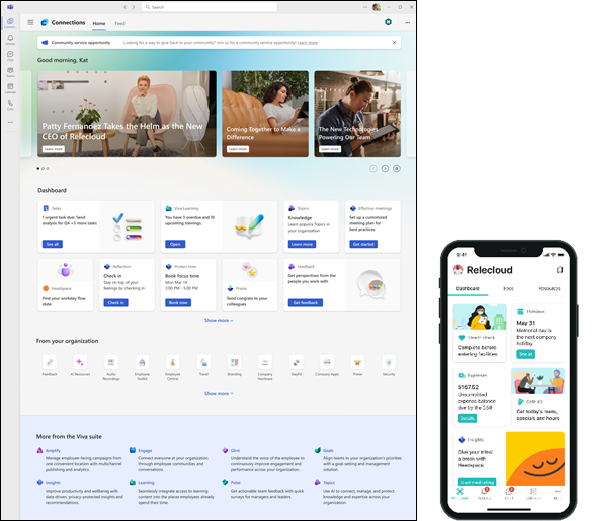
Viva Connections has recently been rolled out as the main home screen for Microsoft Teams, coming full circle in Microsoft’s approach to make Teams the leading, versatile communications powerhouse.
Gaps and lacking features
While Microsoft Teams, Viva Engage, and Viva Connections cover most functionalities of Workplace by Meta, there are some differences and potential gaps to consider. For instance, Workplace’s Safety Check feature does not have a direct equivalent in Microsoft Viva or Teams. However, organizations can use Microsoft Power Apps to create custom solutions for employee safety and check-ins, ensuring that this critical function is still addressed.
Another difference is the absence of a direct News Feed feature identical to Workplace’s in Viva Engage and Teams. Instead, organizations can use Viva Engage for social updates and Teams for structured communication and collaboration. While the social networking interface of Workplace may differ from Viva Engage’s Yammer-based interface, employees may require some time to adapt to the new layout and features.
Conclusion
While Meta recommends Workvivo as the migration destination for Workplace by Meta customers, it’s crucial to consider the powerful alternative offered by Microsoft Teams, Viva Engage, and Viva Connections. This combination not only replicates the functionalities of Workplace but also enhances them with deeper integrations and more robust tools.
By leveraging Teams for real-time communication and collaboration, Viva Engage for social engagement, and Viva Connections for centralized resources, organizations can ensure a smooth transition and continue to thrive in a connected and collaborative work environment. This powerful suite empowers employees to communicate effectively, engage socially, and access essential resources seamlessly, driving productivity and fostering a positive workplace culture.
Embrace the future of workplace collaboration with Microsoft Viva and Teams, and explore this compelling alternative to Workvivo. Your organization deserves the best tools for communication and engagement, and Microsoft’s suite might be the perfect fit for your needs.


