June ’20 updates: Better user onboarding and API monitoring

For June we have released a few minor tweaks aimed to enhance the Digital Assistant experience.

1. Social Logins

We’ve now added convenient sign ups to Digital Assistant which is supported by Microsoft products, Google or Github accounts. All you have to do is click on the service you’d like to use for authentication and your account will be authorized via the third party.
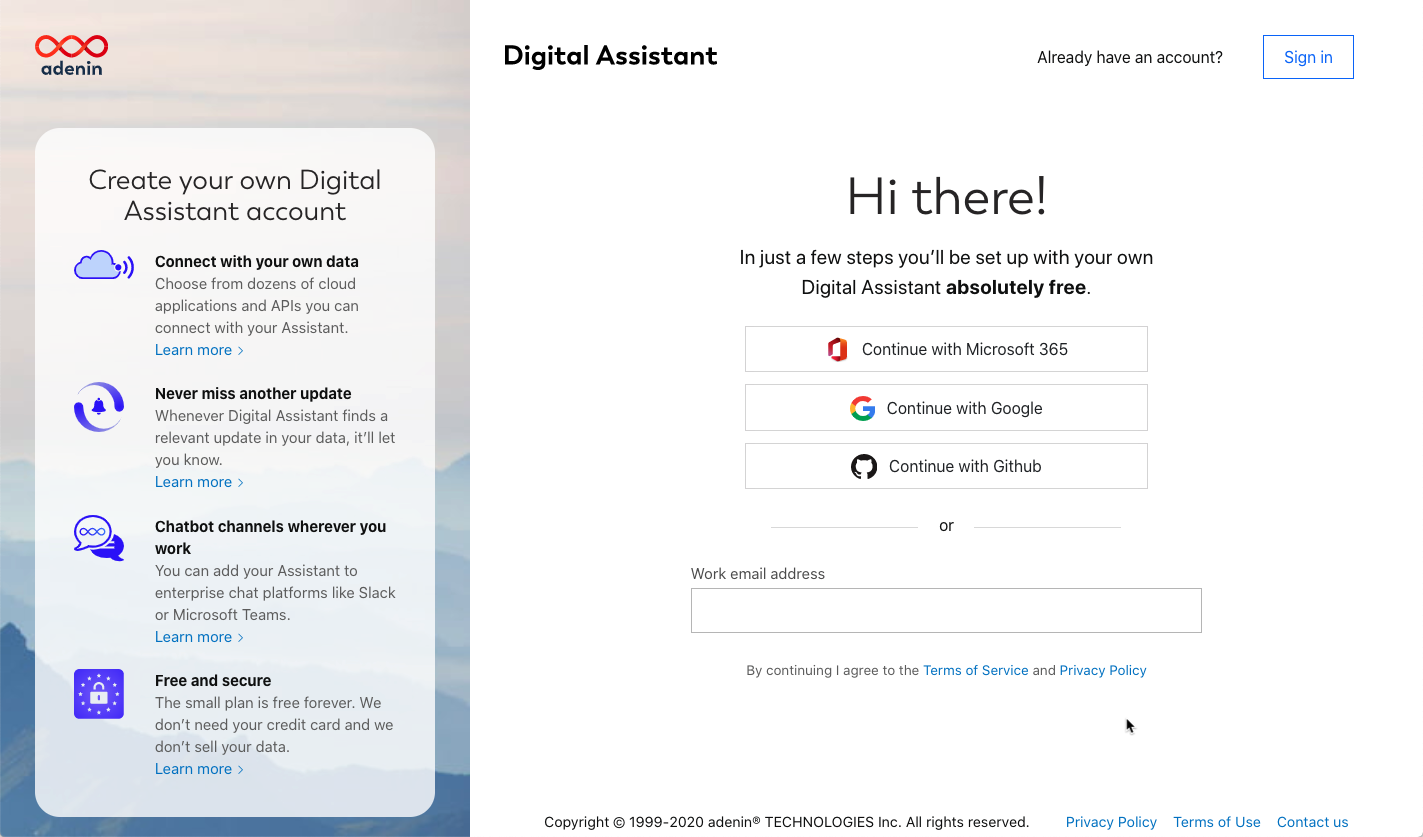
Social login buttons including Microsoft 365, Google and Github for Digital Assistant
Social logins now available for Digital Assistant

Using Social logins is inherently safer since users do not have to store another password and can revoke Digital Assistant’s access anytime they want.

Existing user accounts whose email address domains belong to Microsoft or Google will have their accounts linked to the respective service on their next login.

2. New Getting started page

Following user research, we’ve simplified the layout of the Get Started page. It is now divided into subsections and the layout makes it clearer that tasks aren’t a to-do list users have to work through one by one; it’s rather a suggested list of helpful resources.
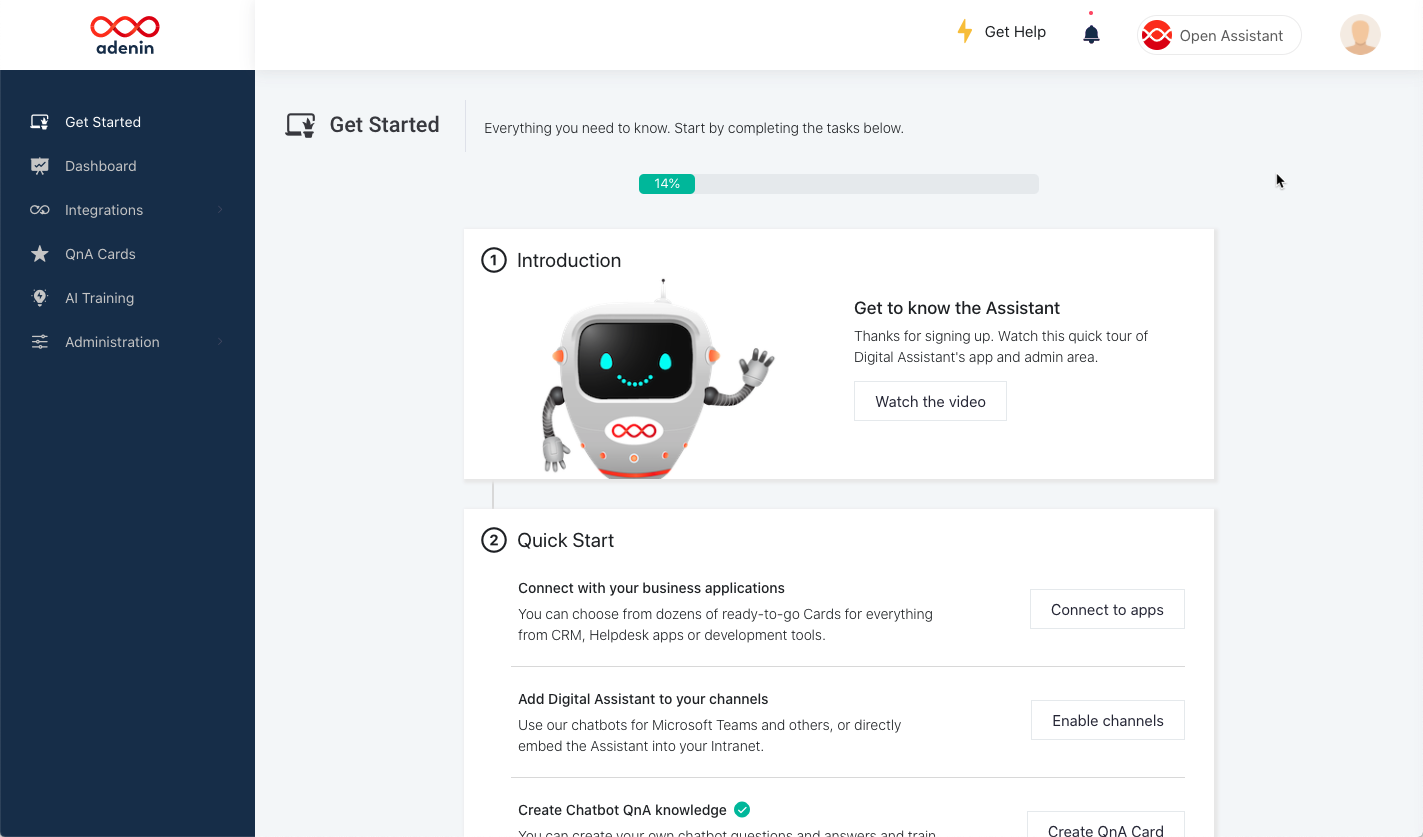
New Digital Assistant user onboarding page

3. API Health monitoring

Especially since Digital Assistant caches certain data shown on Cards, it can be hard to immediately spot if a Card has stopped working due to an issue with its API. Some issues can be temporary in nature, others are more severe.

Digital Assistant push-pull API health monitoring
API health monitoring with simple traffig light indicators

To simplify troubleshooting connections, the Connectors menu now features a Health column that shows you an at-a-glance view of all your integrations’ health status:

  • If the Assistant has received data recently the status is shown as green
  • Yellow warnings indicate issues that have been observed but which may be temporary
  • Red errors mean the API is not working and will require admin intervention
  • Grey means a status is not available at this moment
Related Posts
Read More

June ’22 update: ConZAPulations, we’ve partnered with Zapier

For this month, the team is proud to announce a new integration partnership with Zapier. With thousands of apps in its roster, Zapier is the premier provider of business workflows that span multiple applications and can automate your entire workday. You can access the Zapier app right now in our App Directory. How does the Zapier app work? Zapier is used by creating “Zaps” which are like recipes where you pick a trigger app and then set up multiple action steps, that will be called upon every time something new happens in your trigger app. One of these action steps…
Read More

Introducing the PagerDuty Integration: Stay Ahead of Incidents with Real-Time Alerts

We’re excited to announce the integration of PagerDuty with your favorite workplace apps! PagerDuty is a leading platform for real-time incident response, making sure your team is alerted to critical issues the moment they arise. With this integration, you can receive notifications and manage incidents directly from your dashboard, ensuring a streamlined workflow and faster response times. No more jumping between platforms—now you can handle all your PagerDuty alerts and updates from within the apps you use daily. Stay informed, resolve incidents swiftly, and keep your operations running smoothly. Explore more about this integration in our App Directory!
Read More

Stay on top of your ClickUp tasks

With our new ClickUp app you can easily see all your ClickUp tasks on your dashboard. This makes it easier to collaborate and contribute to your projects by seeing what tasks have been assigned to you. The big rectangle on the left shows you the state of any of your tasks, so you can easily spot if something hasn’t been set to ‘In progress’ yet, thus helping to keep the rest of your team informed about your current status. To add this ClickUp integration to your personal dashboard, SharePoint intranet or Viva dashboard, simply head over to the ClickUp listing…
Read More

Ka-ching! Shopify orders can now be managed with ease

Exciting news for all online merchants. We’re thrilled to introduce the latest addition to our integration family: Shopify. This powerful integration transforms the way you manage your e-commerce store directly from your digital workplace platform. With the Shopify integration for adenin, you can seamlessly connect your online store to your digital workplace, making it easier than ever to monitor sales, fulfill orders, and interact with customers. Imagine having real-time sales notifications, order summaries, and customer inquiries at your fingertips, all without leaving your dashboard. This integration is designed to streamline your e-commerce operations, enabling you to provide exceptional customer service…